
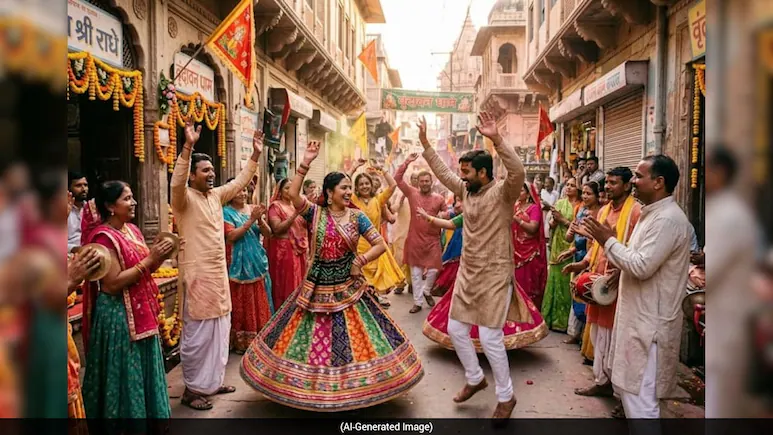
Janmashtami 2026 is bringing a new AI photo trend to Instagram, with users transforming their regular portraits into Radha Rani and Vrindavan-inspired images.
Using AI image editing tools such as Gemini and ChatGPT, people can give their photos a traditional festive makeover. The trend includes colourful lehengas, traditional jewellery, flowers, temple settings and artistic references to Lord Krishna. Here are six prompts that users can try with a clear photograph. Dress me in a traditional pink and red lehenga with detailed gold embroidery. Add elegant gold jewellery, flowers in my hair and a soft divine background. Keep my facial identity, facial features and natural skin texture unchanged. Make the image photorealistic and graceful. Give me a dusty-pink traditional outfit with intricate jewellery and floral details. Add a subtle artistic silhouette of Lord Krishna playing the flute in the background. Use soft lighting and a peaceful devotional atmosphere while preserving my facial identity. Dress me in a pink and crimson lehenga with traditional gold jewellery and flowers in my hair. Place me in a beautiful garden at dusk with a festive and spiritual atmosphere. Keep my face realistic and recognisable. Add delicate flowers, lotus details and traditional jewellery. Use soft, glowing light and a peaceful background. Preserve my facial features and natural appearance. Keep my face and identity unchanged and dress me in an elegant traditional Indian outfit. Add a large artistic silhouette of Lord Krishna with his flute behind me. Use blue and pink lighting with a dreamy festive atmosphere. Dress me in a beautiful Indian outfit with gold jewellery and floral decorations. Place me in a temple courtyard decorated with flowers and diyas. Add warm sunlight and a devotional atmosphere while keeping my face natural and recognisable. For better results, users should upload a clear, front-facing photograph.
1: Classic Radha Rani look “Transform my photo into a beautiful Radha Rani-inspired portrait. 2: Dreamy Krishna-inspired look “Turn my uploaded photo into a dreamy Janmashtami portrait. 3: Royal Vrindavan makeover “Create a royal Vrindavan-inspired portrait using my photo. 4: Pastel Radha Rani style “Transform my photo into an ethereal Radha Rani-inspired portrait using pastel pink and lavender colours. 5: Krishna silhouette portrait “Create a cinematic Janmashtami portrait from my photo. 6: Vrindavan temple look “Transform my photo into a traditional Vrindavan temple-inspired portrait.
They can also add instructions such as “preserve facial identity”, “natural skin texture” and “photorealistic” if they want the AI-generated image to remain close to their original appearance.
