
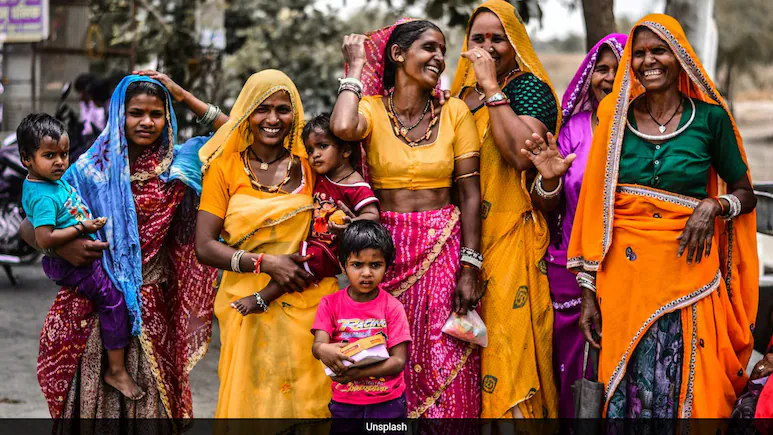
New AI-powered photo editing tools are making image enhancement more accessible than ever. Platforms such as ChatGPT, Gemini and Grok now allow users to edit photos using simple natural-language prompts, eliminating the need for complicated editing software or advanced technical skills. By simply describing the changes they want, users can quickly transform images, making the feature especially useful for content creators, photographers, businesses and everyday users looking to produce professional-quality visuals with minimal effort.
ChatGPT is making photo editing more accessible by allowing users to improve lighting, remove unwanted objects, enhance portraits, change backgrounds and create professional-looking images using simple text prompts.
Improve Lighting and Colours Users can ask ChatGPT to make a photo brighter, improve the colours or create a particular mood. Prompt: “Improve the lighting in this photo, brighten the subject and make the colours look natural while keeping the image realistic. Remove Unwanted Objects ChatGPT can also be asked to remove distracting objects or people from the background. Create a Professional Portrait For portraits, users can request changes to lighting, background and overall appearance. Prompt: “Edit this portrait like a professional photographer. Improve the lighting, create a clean background and keep the person’s natural facial features unchanged. Give Photos a Cinematic Look People can also use prompts to create a specific visual style. Prompt: “Give this photo a cinematic look with balanced contrast, natural skin tones and soft lighting. Keep the details realistic. Improve the Background A busy background can be replaced or softened to make the main subject stand out. Prompt: “Make the background less distracting and slightly blurred while keeping the main subject sharp and natural. Restore Old or Low-Quality Photos Users can ask for improvements to older pictures, including sharper details and better contrast. Prompt: “Restore this old photo by improving sharpness, reducing noise and correcting faded colours while preserving its original character. Make Product Photos Look Professional The feature can also help people prepare images for online shops and social media. Prompt: “Turn this into a professional product photograph. Improve the lighting, clean up the background and make the product look sharp and realistic without changing its design. More Control Through Simple Prompts The main advantage of text-based editing is that users can describe what they want without needing to understand advanced editing tools. They can also make several changes by giving follow-up instructions and refining the result. As AI-powered image editing develops, tools such as these could make professional-looking photo adjustments more accessible to a wider range of users.
Prompt: “Remove the unwanted object in the background and fill the area naturally so that the edit looks realistic.
